

Workflows

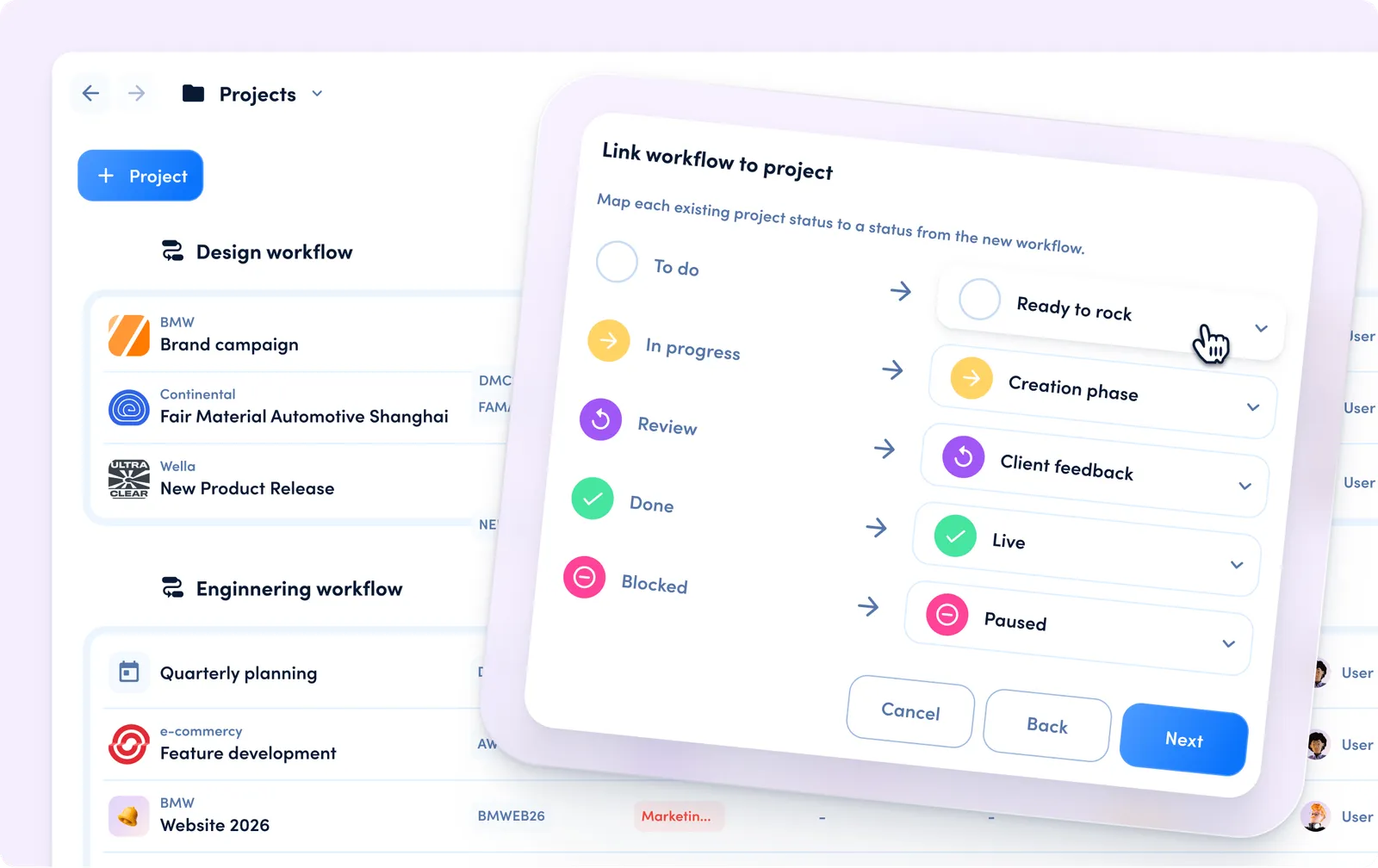
Workflows are reusable process definitions that let you share project statuses and task statuses across multiple projects. Instead of maintaining statuses per project, you can manage them once in a workflow and keep linked projects aligned.

Workflows are being rolled out gradually across workspaces and might not be available in every workspace yet.

How to work with workflows

Create a workflow

Create a reusable workflow in your workspace.

Create a workflow
1curl -X POST https://api.awork.com/api/v1/workflows \
2 -H 'Content-Type: application/json' \
3 -d '{
4 "name": "Client Delivery Workflow",
5 "icon": "workflow"
6 }'

Linking applies workflow-controlled statuses to the project. If the project already has statuses, provide mappings to migrate safely.

Link workflow to a project
1curl -X POST https://api.awork.com/api/v1/projects/123e4567-e89b-12d3-a456-426614174000/linkworkflow \
2 -H 'Content-Type: application/json' \
3 -d '{
4 "workflowId": "223e4567-e89b-12d3-a456-426614174000",
5 "projectStatusMapping": [
6 {
7 "oldProjectStatusId": "323e4567-e89b-12d3-a456-426614174000",
8 "newProjectStatusId": "423e4567-e89b-12d3-a456-426614174000"
9 }
10 ],
11 "taskStatusMapping": [
12 {
13 "oldTaskStatusId": "523e4567-e89b-12d3-a456-426614174000",
14 "newTaskStatusId": "623e4567-e89b-12d3-a456-426614174000"
15 }
16 ],
17 "keepCustomFields": true,
18 "keepCustomAutomations": true
19 }'

Create a workflow from an existing project

Use an existing project as a blueprint and optionally link that project to the newly created workflow.

Create workflow from project configuration
1curl -X POST https://api.awork.com/api/v1/workflows/fromproject/123e4567-e89b-12d3-a456-426614174000 \
2 -H 'Content-Type: application/json' \
3 -d '{
4 "name": "Workflow from Consulting Template",
5 "copyProjectStatuses": true,
6 "copyTaskStatuses": true,
7 "copyCustomFields": true,
8 "copyAutomations": true,
9 "linkProjectToWorkflow": true
10 }'

Manage shared statuses in a workflow

You can manage workflow-level statuses, which are then shared across linked projects.

Create task status in a workflow
1curl -X POST https://api.awork.com/api/v1/workflows/223e4567-e89b-12d3-a456-426614174000/taskstatuses \
2 -H 'Content-Type: application/json' \
3 -d '{
4 "name": "Client Feedback",
5 "type": "review",
6 "order": 3,
7 "icon": "comment"
8 }'
Create project status in a workflow
1curl -X POST https://api.awork.com/api/v1/workflows/223e4567-e89b-12d3-a456-426614174000/projectstatuses \
2 -H 'Content-Type: application/json' \
3 -d '{
4 "name": "Blocked by Client",
5 "type": "stuck"
6 }'

Unlinking decouples the project from workflow sync and clones workflow statuses into editable project-specific statuses.

Unlink workflow from project
1curl -X POST https://api.awork.com/api/v1/projects/123e4567-e89b-12d3-a456-426614174000/unlinkworkflow \
2 -H 'Content-Type: application/json'